Volumes Of Fun
http://www.volumesoffun.com/phpBB3/

Realtime Ogre 1.8 Terrain Component manipulation
http://www.volumesoffun.com/phpBB3/viewtopic.php?f=14&t=312
Page 6 of 13

Author:  David Williams [ Tue Jan 31, 2012 11:57 am ]
Post subject:  Re: Realtime Ogre 1.8 Terrain Component manipulation

When i say 'the Raycast isn't designed for smooth terrain' what I actually mean is that it is not designed for terrain from the Marching Cubes extractor (regardless of whether you have smoothed it). The Raycast class is instead designed to work with the 'cubic' terrain from the CubicSurfaceExtractor (with or without normals).

If you replace your 'SurfaceExtractor' with 'CubicSurfaceExtractorWithNormals' then you should see the picking match up with the mesh. I think it returns the first solid voxel (i.e. the returned point is behind the mesh surface by about 0.5 units. So you need to make sure your marker is big enough to see.

Basically, the existing Raycast only works with (and always returns) integer positions. For your purposes you need a raycast which works with floating point positions. It would make sense for this to be in PolyVox but I don't have any plans to add it in the near future.

If you don't want to try and implement this yourself, you could instead use an extrnal physics library. You can give this the PolyVox mesh and it will handle raycasting for you.

Author:  ker [ Tue Jan 31, 2012 3:58 pm ]
Post subject:  Re: Realtime Ogre 1.8 Terrain Component manipulation

uhm :D I had the same problem, but luckily 12th or 13th grade math will help us here

Code:
// lastPos is not the voxel that was hit, it's previousVoxel from the RaycastResult
// position is your eye position (floating point), or raycast start position
// dir is the ray direction (it's from ogre, so if you use a PolyVox::Vector3D* use .getX() instead of .x)

PolyVox::Vector3DFloat sig({
            (dir.x < 0)?(-1.0f):((dir.x > 0)?(1.0f):(0)),
            (dir.y < 0)?(-1.0f):((dir.y > 0)?(1.0f):(0)),
            (dir.z < 0)?(-1.0f):((dir.z > 0)?(1.0f):(0))
            });

// the math behind it (something along the lines of line-plane-intersection with all 3 far planes of the voxel, take the shortest ray, and thats it)
// n1*(p1 + r*u1) + … = b
// position.getX() + r*direction.getX() = lastPos.getX() + sig.getX()*0.5
// r = (lastPos.getX() + sig.getX()*0.5 - position.getX())/direction.getX();

PolyVox::Vector3DFloat r = (PolyVox::Vector3DFloat(lastPos) + sig*float(0.5) - position)/direction;

// grabbed from my source, it shows the point the mouse points at inside the world
// and its normal

if(r.getX() < r.getY() && r.getX() < r.getZ()) {
  m_vecMousePointPosition = position + direction*r.getX();
  m_vecMousePointNormal = {-sig.getX(), 0, 0};
} else if(r.getY() < r.getZ()) {
  m_vecMousePointPosition = position + direction*r.getY();
  m_vecMousePointNormal = {0, -sig.getY(), 0};
} else {
  m_vecMousePointPosition = position + direction*r.getZ();
  m_vecMousePointNormal = {0, 0, -sig.getZ()};
}

Author:  drwbns [ Tue Jan 31, 2012 7:02 pm ]
Post subject:  Re: Realtime Ogre 1.8 Terrain Component manipulation

I'm not sure that I understand this. Anyway to explain the code and what it does? I tried to cubicSurface extractor and it basically has the same results. It seems as though it's using a botched camera direction vector and as though it's just not wanting to return a correct result on certain areas of the terrain. I'm not really sure what to try at this point.

Author:  ker [ Tue Jan 31, 2012 8:16 pm ]
Post subject:  Re: Realtime Ogre 1.8 Terrain Component manipulation

you can use any direction vector, it does not need to be normalized or anything.
do a regular polyvox raycast.

Code:
PolyVox::RaycastResult result;
PolyVox::Raycast raycast(&volume, position, direction, result);
raycast.execute();

while reading this i found out that all my math isn't necessary... how stupid of me not to see this...

the contact plane is the one where result.previousVoxel and result.intersectionVoxel have a different coordinate.

so I guess you'd make a simple if:

Code:
PolyVox::Vector3DFloat exactHitPosition;
if(result.previousVoxel.getX() == result.intersectionVoxel.getX() && result.previousVoxel.getY() == result.intersectionVoxel.getY()) {
  // zplane is hitplane
  // sig is computed as in previous post

now my mathbook says:
Quote:
n1*(p1 + r*u1) + n2*(p2 + r*u2) + n3*(p3 + r*u3) = b

where n1,n2,n3 is the plane normal, b is the plane offset, p1,p2,p3 is the vector hook point, u1,u2,u3 is the vector direction.
since we only have 3 different planes here which are aligned to 2 axis, only one of n1,n2,n3 is not zero an therefore 1 (normalized), simplyfying this to
Quote:
1*(p1+r*u1) = b

which can be rearranged to
Quote:
r = (b - p1)/u1

which is in code:
Code:
  float r = (result.previousVoxel.getZ() + sig.getZ()*0.5 - position.getZ())/direction.getZ();
  exactHitPosition = position + direction*r;

Code:
repeat this for the other planes...
} else if(xplane stuff here) {
// repeat for .getX()
} else if(yplane stuff here) {
// repeat for .getY()
} else {
// error
}


if your initial direction vector is messed up, all this won't help you... try dumping it and checking manually if it makes sense...

Author:  drwbns [ Wed Feb 01, 2012 8:06 am ]
Post subject:  Re: Realtime Ogre 1.8 Terrain Component manipulation

I think I'm still a little lost with what previousVoxel is and how it relates to finding the current voxel, I'll have to re-read this in the morning with fresh eyes. Thanks for the help :)

Author:  David Williams [ Wed Feb 01, 2012 9:27 am ]
Post subject:  Re: Realtime Ogre 1.8 Terrain Component manipulation

ker's code appears to make just a small adjustment to the intersection point so that it matches the mesh better. But I belive his code is only appropriate for the CubicSurfaceExtractor, not for the Marching Cubes extractor which you want to use (ker can confirm...). At any rate, he is building on top of the existing PolyVox raycast so you need to get that working first.

So, you have switched to the CubicSurfaceExtractorWithNormals now (just for testing) but you find the Raycast still isn't working correctly. Just to be clear, when working with Raycasting and the CubicSurfaceExtractorWithNormals the expected behaviour is that it will return the integer position of the first solid voxel. That is, it will return a point which is actually behind the mesh. Make sure your marker is big enough that it will poke though the mesh in this case.

Some other things to consider. You are using mCamera->getDirection() for the view vector. Remember that each pixel on the screen actually needs a different view direction bcause of the perspective projection. The direction is are using is only valid for the centre pixel on the screen. I bring this up because in your last screenshot the marker was not in the centre of the screen.

Test the Raycast without any camera. I.e. what happens if you hardcode the start position at some point above the terrain and hardcode the direction to be straight down. Does the Raycast find the floor? This test removes any confusion regarding the camera set up and makes sure the Raycast is detecting solid voxels correctly.

Remove any use of the LowPassFilter and/or smoothing from your code. This could be complicating things.

Add print statements to output the inital start pos, direction, and each voxel it processes. Something like (in Raycast.inl)

Code:
for(;;)
{
   cout << m_sampVolume.getPosition().getX() << " " << ... // <- Add this line, also print Y and Z
   if(m_sampVolume.getVoxel().getDensity() > VoxelType::getThreshold())
   {
      m_result.foundIntersection = true;
      m_result.intersectionVoxel = Vector3DInt32(i,j,k);
      return;
   }


Based on this info, is the ray going in the correct direction? Does the end position make sense given the start pos and direction? Is it stopping too soon? Or is it stopping too late? By how much?

Hopefully these help you get your head around what is going on...

Author:  drwbns [ Wed Feb 01, 2012 5:18 pm ]
Post subject:  Re: Realtime Ogre 1.8 Terrain Component manipulation

David Williams wrote:
Some other things to consider. You are using mCamera->getDirection() for the view vector. Remember that each pixel on the screen actually needs a different view direction bcause of the perspective projection. The direction is are using is only valid for the centre pixel on the screen. I bring this up because in your last screenshot the marker was not in the centre of the screen


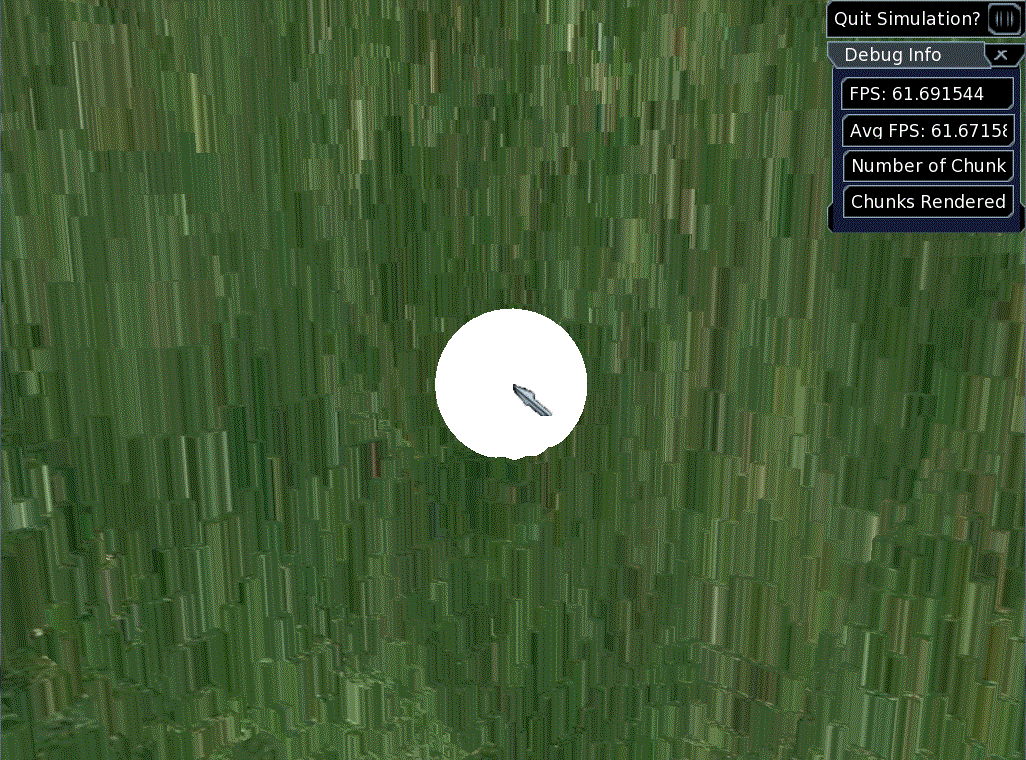
This is also a problem, possibly a seperate problem altogether. I thought maybe it had something to do with an invisible cursor giving the wrong x,y screen coordinates but now I've locked the cursor to the center of the screen and it still seems as though the y value is constantly changing, leading the marker to be placed centrally but anywhere up or down.

Also, the marker is really big compared to voxel size - it should be plenty big enough to poke through a few layers of voxels.
Attachment:
screenshot02012012.gif
screenshot02012012.gif [ 245.73 KiB | Viewed 3357 times ]

Author:  drwbns [ Wed Feb 01, 2012 7:15 pm ]
Post subject:  Re: Realtime Ogre 1.8 Terrain Component manipulation

Ok I tried your suggestion of hard coding the values and it seems to work fine, although visually the marker isn't placed where the hit voxel is - is that what ker's suggestion is for? Since the hard coded values work fine, what could be causing the camera raycasts to be bugged?

Code:
   // Find the voxel we are looking at.
   PolyVox::Vector3DFloat start(10,100,10);
   PolyVox::Vector3DFloat direction(0, -1, 0);

   //direction.normalise();
   direction *= 1000.0f; //Casts ray of length 1000
   
   PolyVox::RaycastResult raycastResult;
   PolyVox::Raycast<PolyVox::SimpleVolume, PolyVox::Density8>
   raycast(volData, start, direction, raycastResult);
   raycast.execute();
   
   if(raycastResult.foundIntersection) {
      mKeyDevices.mSceneMgr->getSceneNode("mEditNode")->setPosition(raycastResult.intersectionVoxel.getX(), raycastResult.intersectionVoxel.getY(), raycastResult.intersectionVoxel.getZ());
   }


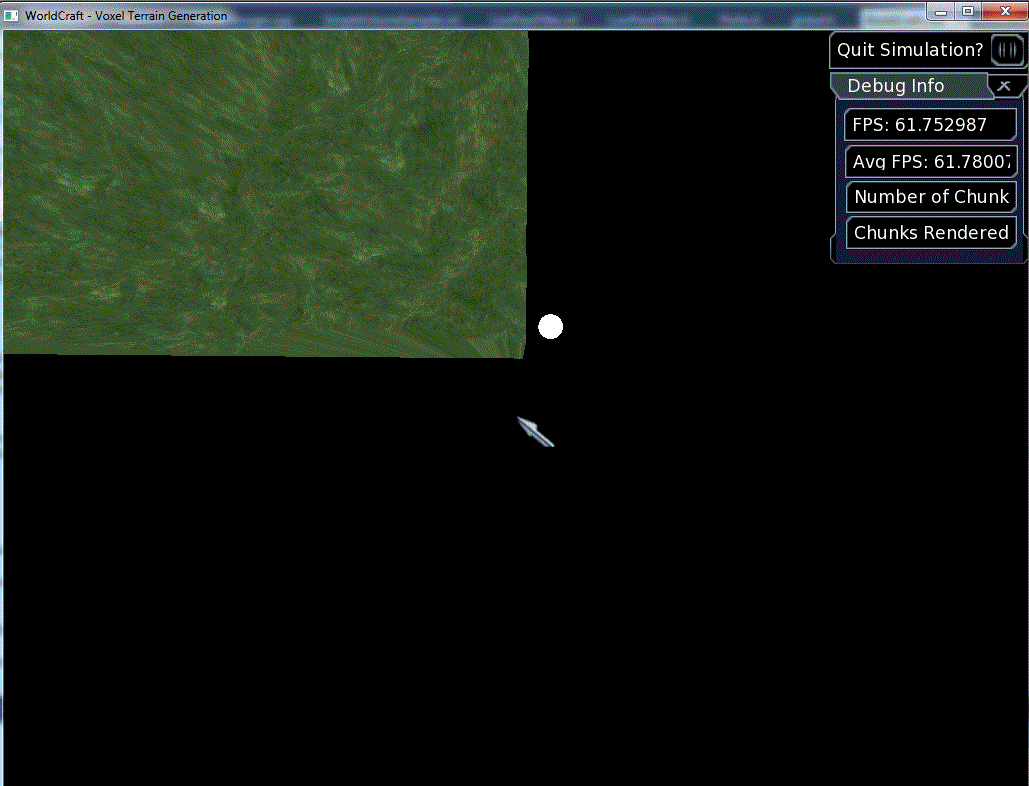
Attachment:
screenshot02012012a.gif
screenshot02012012a.gif [ 76.88 KiB | Viewed 3354 times ]

Author:  drwbns [ Thu Feb 02, 2012 7:32 am ]
Post subject:  Re: Realtime Ogre 1.8 Terrain Component manipulation

Ok I found the raycasting problem - I didn't set the OIS::MouseState's x & y abs values to the center of the screen like so -

Code:
   OIS::MouseState ms = mKeyDevices.mMouse->getMouseState();
   ms.Y.abs = mCamera->getViewport()->getActualHeight() / 2;
   ms.X.abs = mCamera->getViewport()->getActualWidth() / 2;


But I still don't know why my edit marker is raycasting along some surfaces and disapearing into other surfaces....

Author:  David Williams [ Thu Feb 02, 2012 9:35 am ]
Post subject:  Re: Realtime Ogre 1.8 Terrain Component manipulation

drwbns wrote:
Ok I tried your suggestion of hard coding the values and it seems to work fine, although visually the marker isn't placed where the hit voxel is - is that what ker's suggestion is for?


How close are you getting? Have you turned off smoothing (removed the LowPassFilter) and you are only setting voxels to max or min densities? If so you should not be more than one voxel away from the correct position. Ker's code may help here, but I believe a new raycast algorithm is needed to get it really accurate.

drwbns wrote:
Since the hard coded values work fine, what could be causing the camera raycasts to be bugged?


I notice you are also tying to use the mouse... this is another source of errors (as you have seen) so get it working without that first. I.e. it works with hard coded values, does it work using the camera position and direction? This should mean that as you rotate the camera the marker will always be on the terrain that is in the centre of the screen.

Page 6 of 13 All times are UTC
Powered by phpBB © 2000, 2002, 2005, 2007 phpBB Group
http://www.phpbb.com/